Manage sales on marketplaces in messengers
Talk to customers right from your CRM. Work as a team in a single window. Chat history and contacts stay with the company, not on personal phones. No lost leads, no shadow schemes.
Start for free 3-day demo











How does it work?
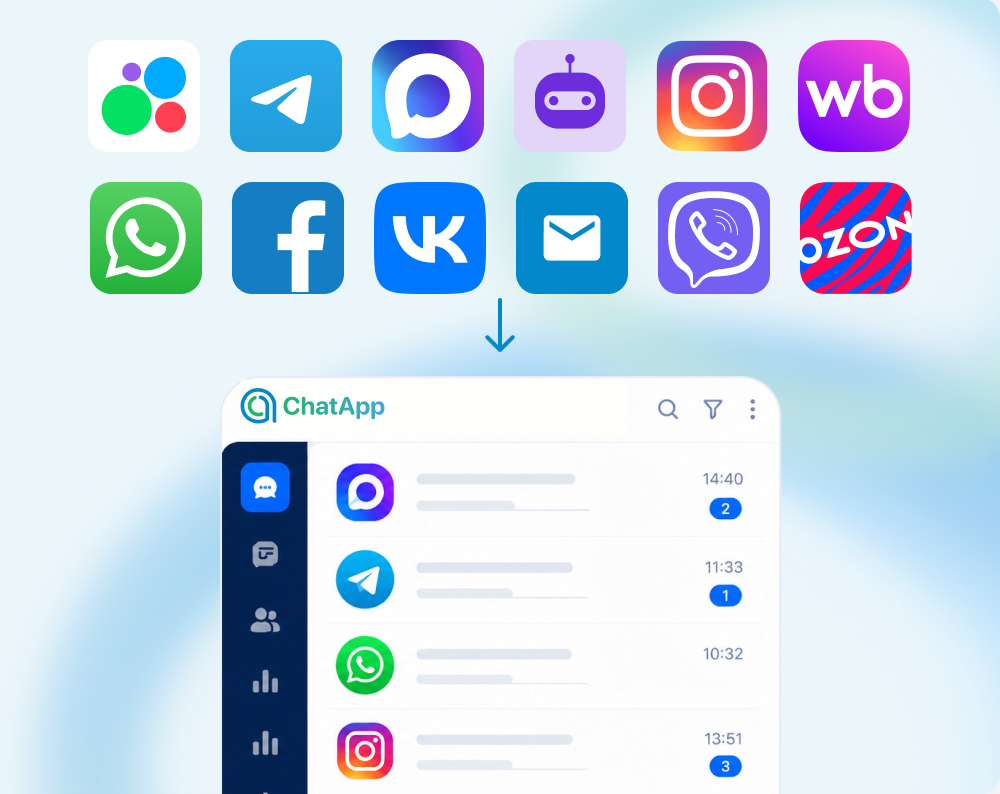
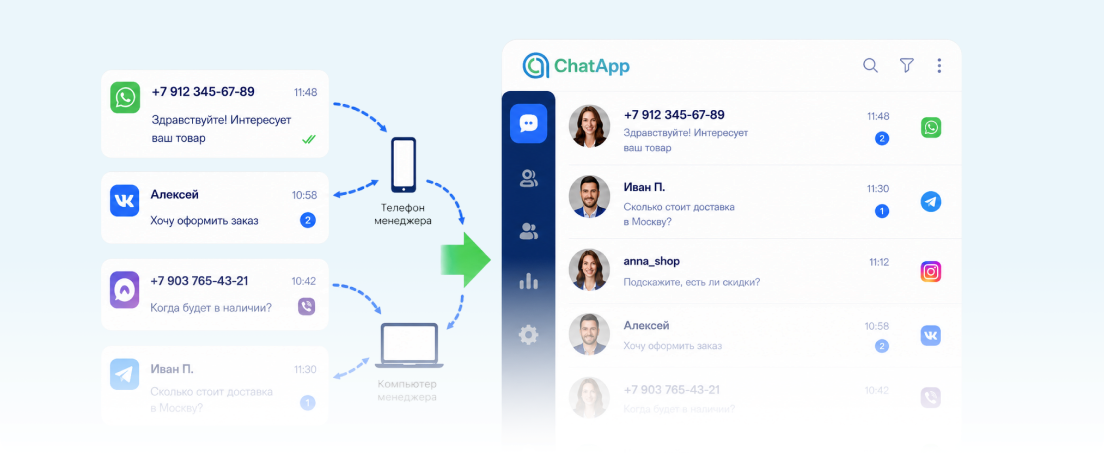
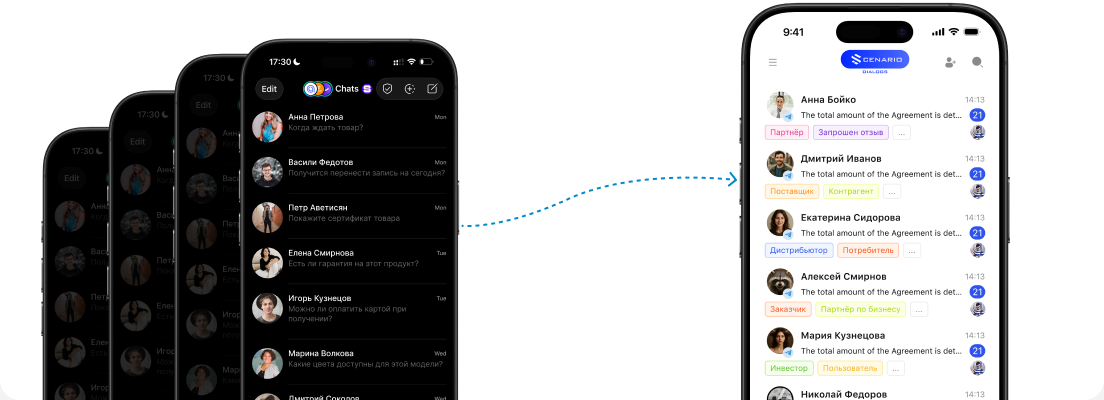
Customers write where it suits them
messengers, social media, website
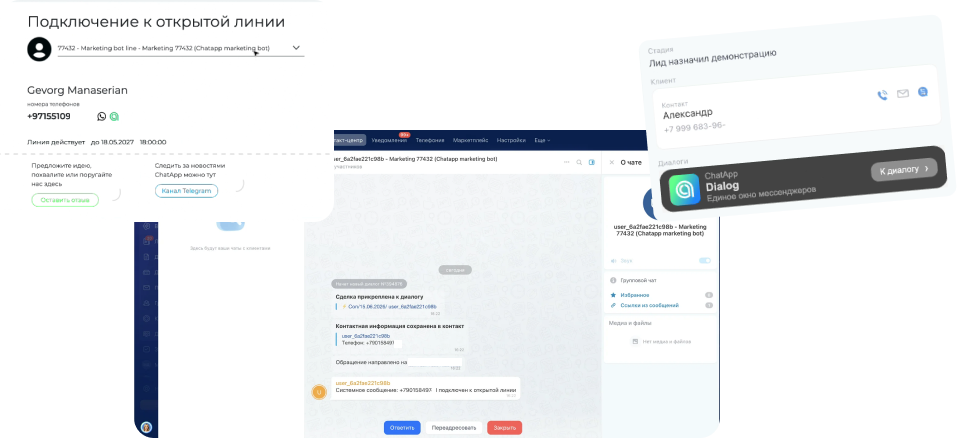
Conversations go straight to your CRM
write first, answer incoming messages
The team works together
from sales managers to accountants
Managers reply from a single window
- ✓All channels in one interface
- ✓No more messengers on personal phones
- ✓Dozens of open tabs are a thing of the past





Start handling conversations with ChatApp. It’s easy!
How to get value fast?

Connect a channel and send your first message
Until a channel is connected, the conversation stays in the manager’s personal messenger. The company can’t see the history, and the customer may get inconsistent answers.

Import your chat history in 1 click
Keep your conversation history and customer contacts. Never lose data when employees change.

Link chats to deals in your CRM
Sync messages with deals, requests and leads. No more copying data by hand.

Keep an eye on team conversations
Work in the shared ChatApp space and see what managers promise to customers.
Manage customer communication
What ChatApp gives your sales team
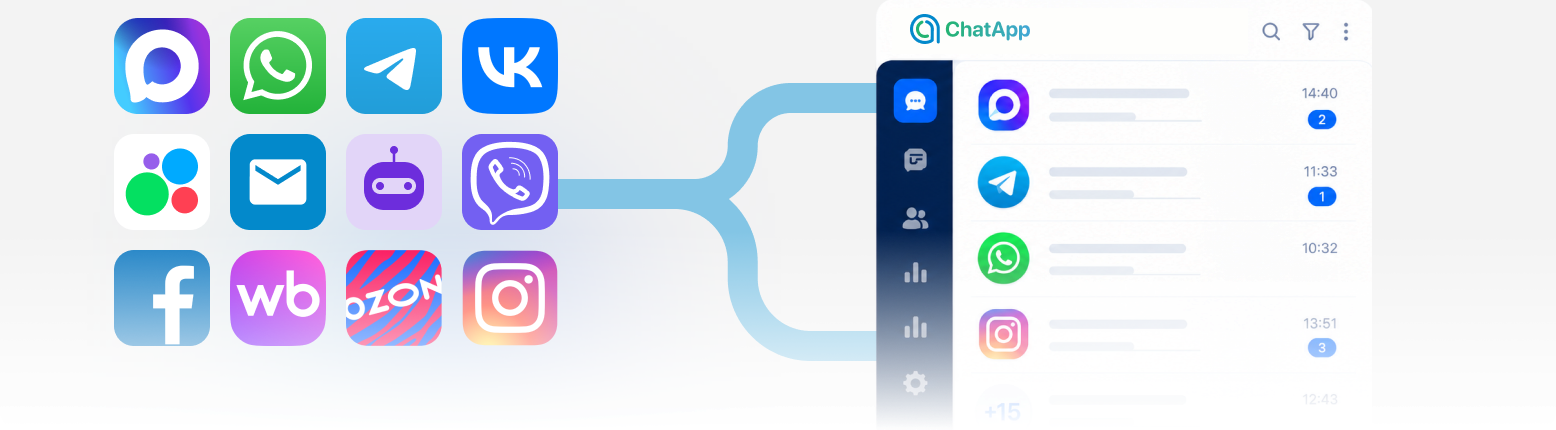
All inquiries in one place
- ✓Managers handle every channel in one window
- ✓Customers write wherever they prefer
- ✓Operators can write first from the CRM
Team work under control
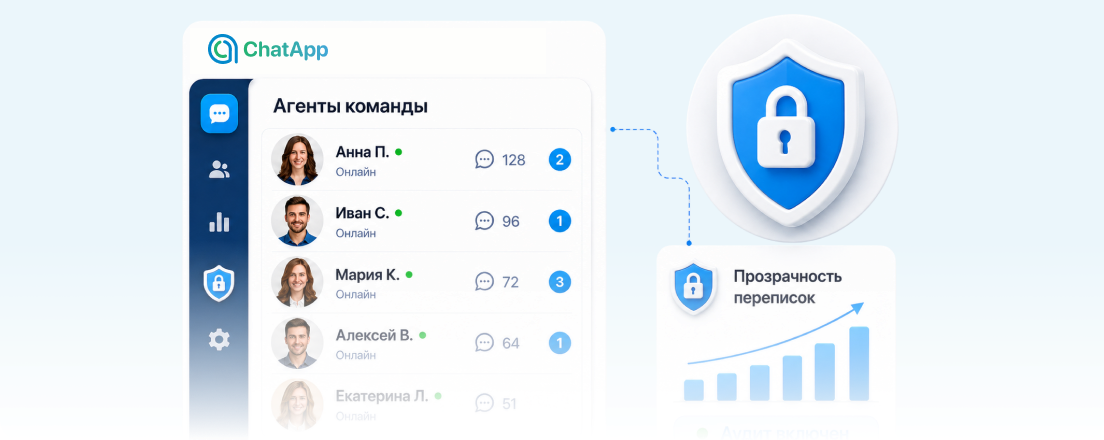
- ✓Every manager’s conversations are under control
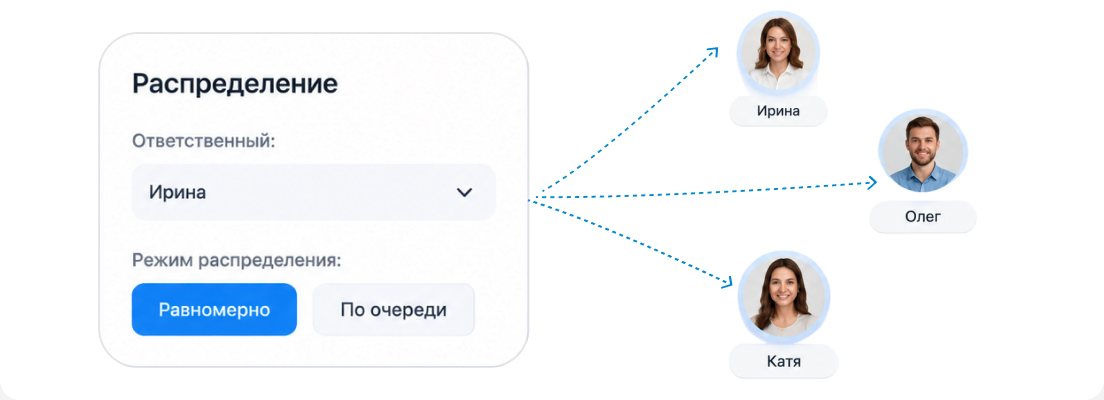
- ✓Chats are distributed across manager levels.
- ✓Shadow schemes and customer-base leaks are ruled out
Customer chat history stays with the company
- ✓Import chats from all devices into one interface
- ✓Conversation history is preserved
- ✓Your customer know-how is never lost
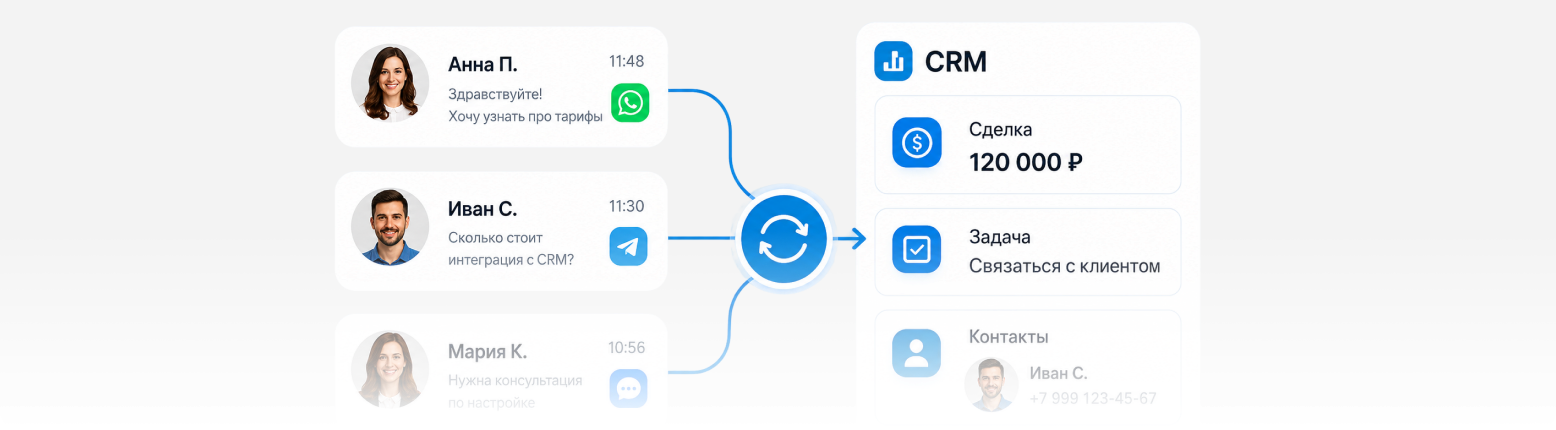
Conversations are linked to your CRM automatically
- ✓Every message lands in the customer card in your CRM automatically
- ✓Leads and deals are created automatically
See the positive change in your teams’ work
Why requests get lost and how to fix it
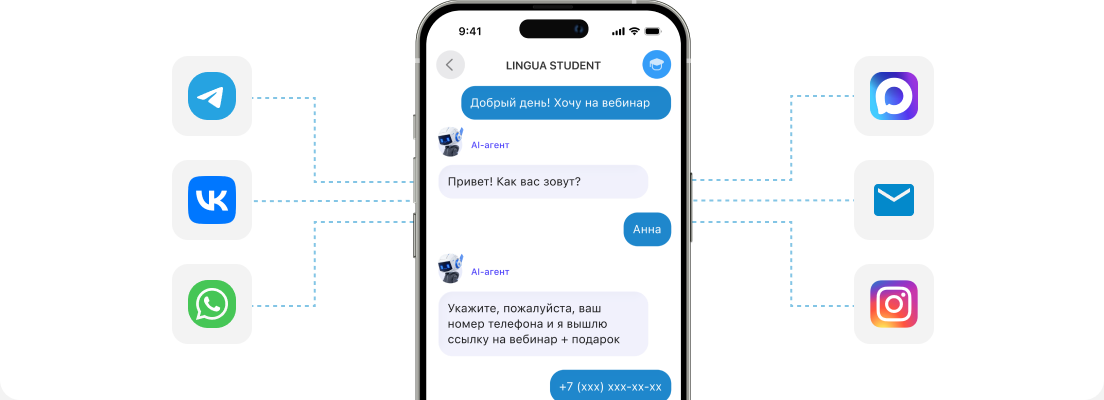
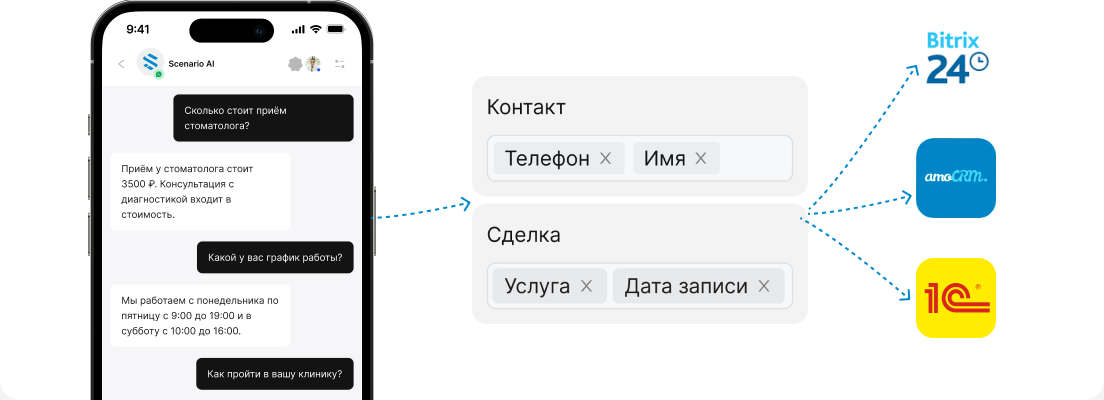
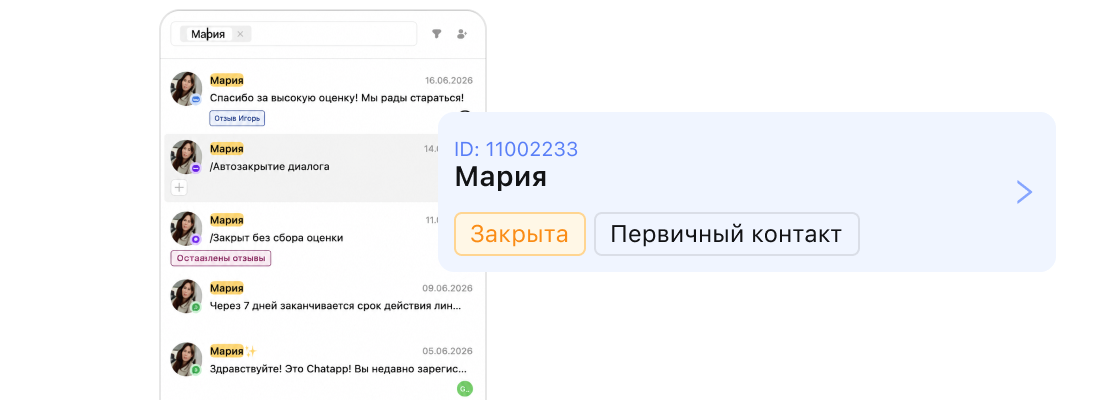
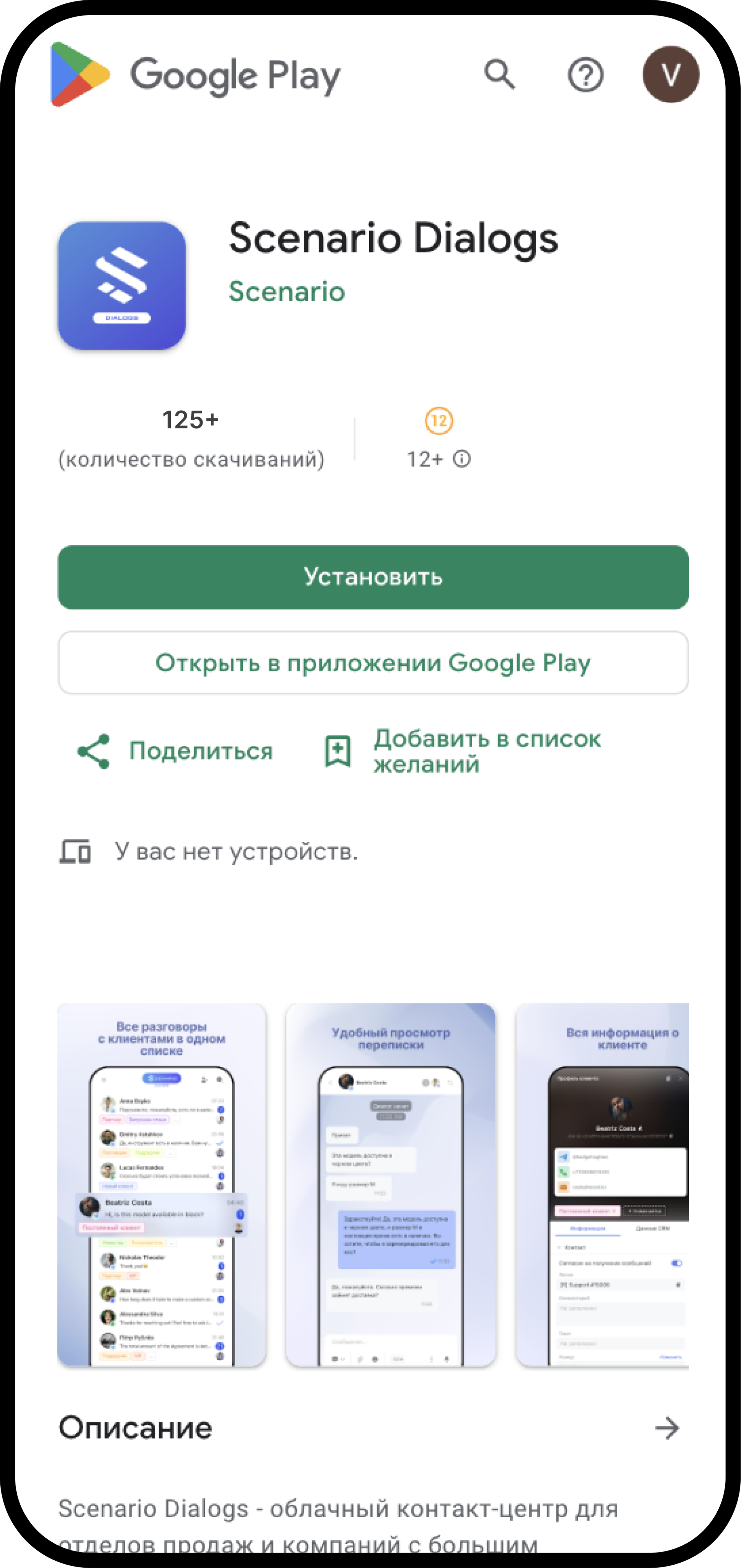
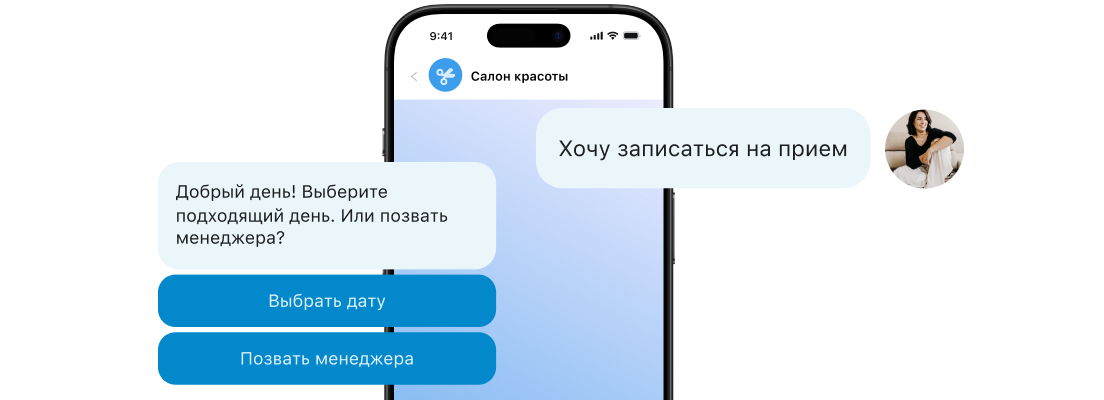
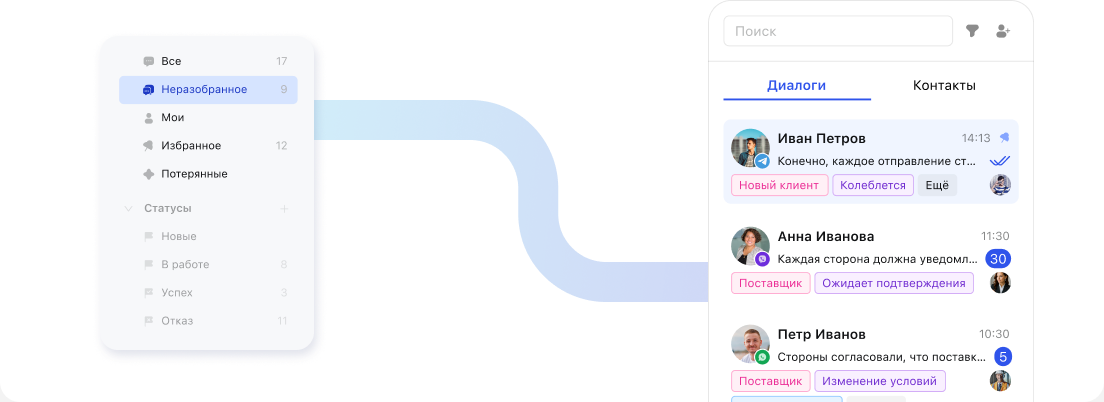
Communication and automation in one system
ChatApp products. Supercharging the messenger aggregator.
Hire an AI employee to talk to your customers 24/7 like your best manager
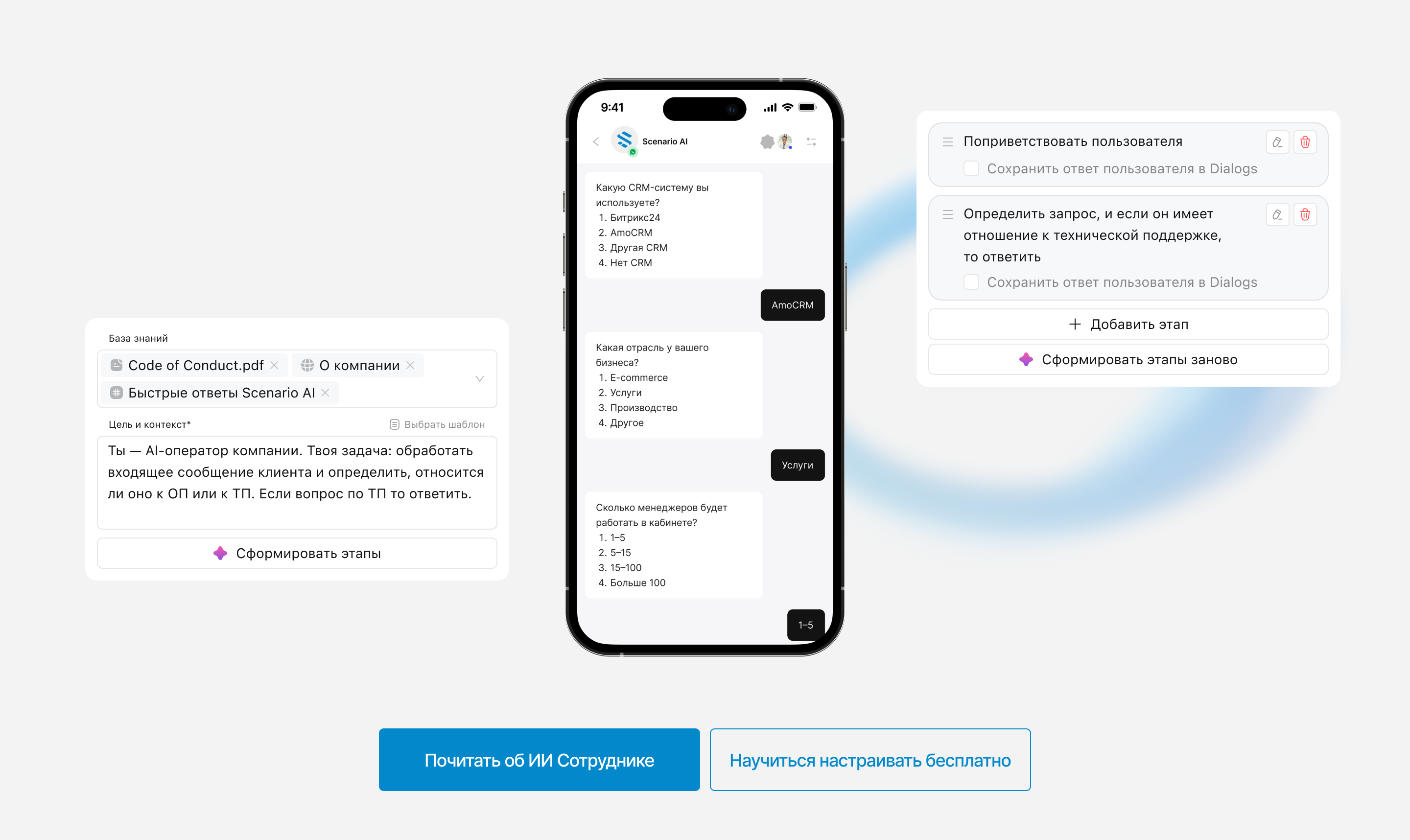
Chats from all messengers in one interface, on desktop and on your phone.
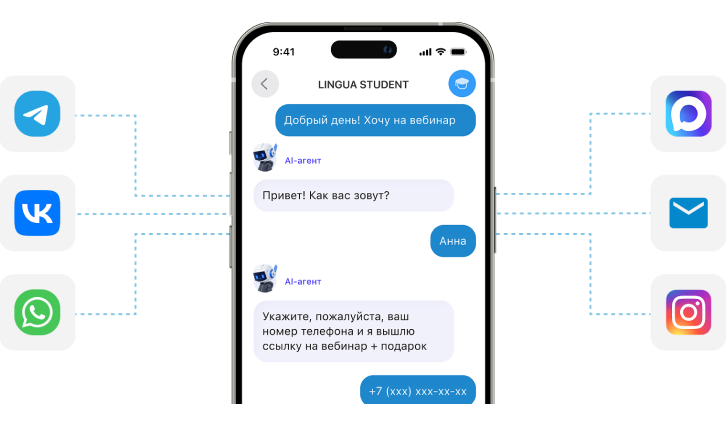
Automate customer chats and smartly route them to employees with our bot builder.
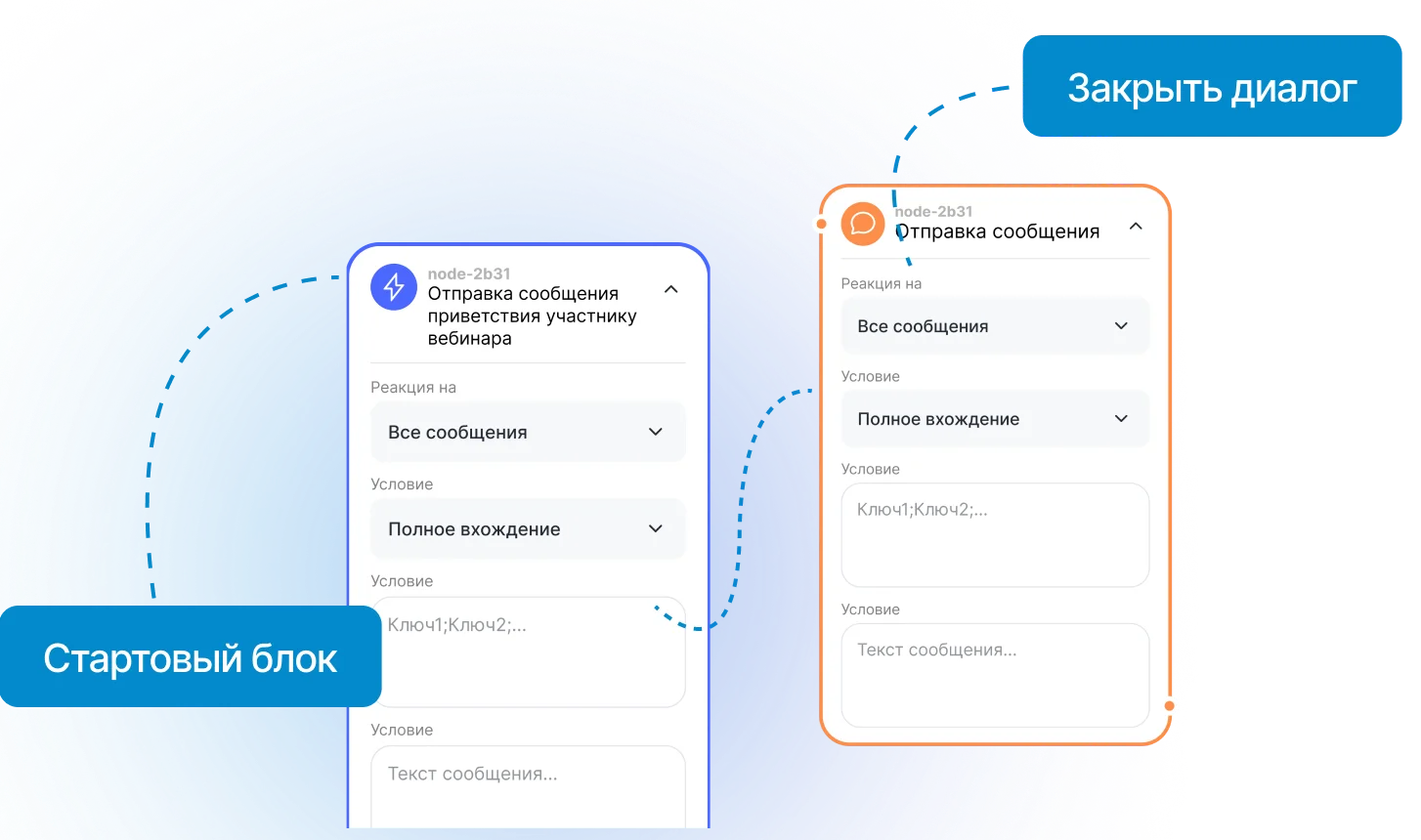
Set up cascade broadcasts across messengers with the bot builder.
Experience the benefits of working with customers through ChatApp
What’s included in the free 3 days:
One window for all channels
Chats from all messengers in one interface
Export conversations from messengers
Keep chat history in the company, not on a manager’s phone
Chat sync with your CRM
All conversations and customer data go to your CRM automatically
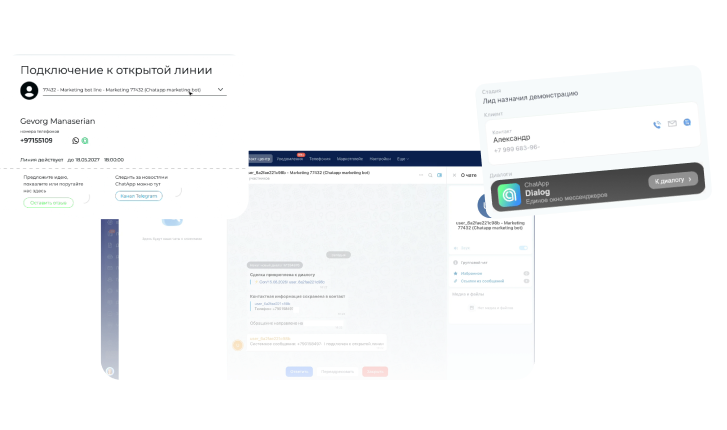
Write first from your CRM
Message a customer in their personal messenger from the CRM interface
Automated scenarios
Automate customer chats and smartly route them to employees with our bot builder

AI employee
An AI manager to talk to your customers. The demo covers about 5 conversations
Pricing
Pay only for the channels that you need. Choose a plan, the number of channels and a billing period.
Starter
- Can initiate conversations
- Monthly limit: 50 dialogues
- Automation (limited to 50 dialogues)
- No group chats
- AI Assistant: 20 ChatCoins
- Message history import (Telegram, WhatsApp)
- Unlimited operators
Professional
- Can initiate conversations
- Unlimited dialogues
- Automation
- Group chats
- AI Assistant: 20 ChatCoins
- Message history import (Telegram, WhatsApp)
- Unlimited operators
Maximum
- Can initiate conversations
- Unlimited dialogues
- Automation
- Group chats
- AI Assistant: 1,000 ChatCoins
- Message history import (Telegram, WhatsApp)
- Unlimited operators
- Fast technical support
Channel quantity discount is applied first. The period discount is applied to the amount after it.
We’ll match ChatApp channels and tools to your task
We’ll help with any question
24/7 support in multiple languages. Our specialists are always in touch. Happy to answer any question
Customers say our technical support is flawless!
[email protected]
“Not an Academy” ChatApp
Set up tools with detailed video guides, take lessons and master ChatApp tools
Free training videosCommunity
A private community for integrators and partners with experts and developers
Join the communityFrequently asked questions (FAQ)
What is a messenger aggregator?
A messenger aggregator is a platform that brings all your customer communication channels (WhatsApp, MAX, Telegram, VK, Facebook, Instagram, Telegram and MAX bots, marketplaces and more) into a single interface. Messages from all channels and groups are collected in one window. Managers no longer switch between tabs, and the whole team works inside one interface.
What is CRM integration?
CRM integration syncs conversations with your CRM, creates leads and deals automatically and distributes conversations between operators. As a result the full communication history is kept inside the company for good and can’t be lost when a manager leaves
How can ChatApp help?
ChatApp combines messengers, social networks, bots and other channels you use to talk to customers into a single window, automates communication with bots, quick replies and buttons, and connects all those messages and deals with your CRM
Can I write to a customer first?
Yes. From your CRM or the Scenario Dialogs unified window you can message a customer first using their phone number or username.
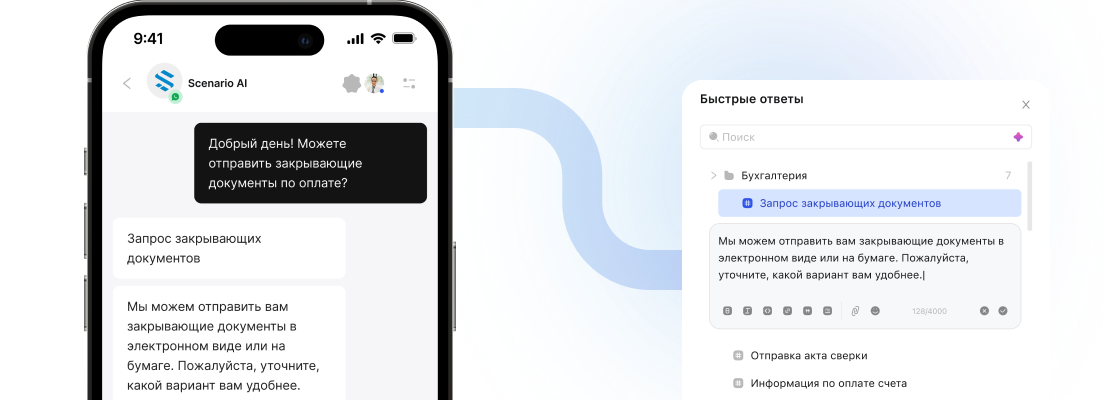
Does the service have quick replies, like regular messengers?
Yes. Quick replies are unlocked for free when you buy any channel. They are set up in your ChatApp account and can be used in any messenger, social network or bot
How many operators can work on one number through ChatApp?
The number of employees you can add to your organization is unlimited. If needed, any number of employees can see conversations. You can restrict conversation visibility for specific groups of employees.
Is there cascade messaging across messengers?
Yes. Cascade broadcasts across messengers can be set up in our bot builder, which is free once you buy any channel (including during the free demo period). The guide in the Knowledge base will help you do it quickly.
Is there a separate app for working with the unified window on the go?
Yes. The Scenario Dialogs app with the functions your staff need on a phone can be downloaded for Android, and a web app version is available for iPhone
Can I talk in group chats through ChatApp?
Yes. The unified window that aggregates messengers and channels also lets you talk in groups. They are available in a separate tab, so nothing is lost and you can quickly separate private chats from group conversations
Does ChatApp work reliably with Telegram and Instagram?
Yes, the connection is stable. Also, if your operators or managers work remotely, they don’t need to install anything extra on their computers. Everyone works through the ChatApp interface without additional software